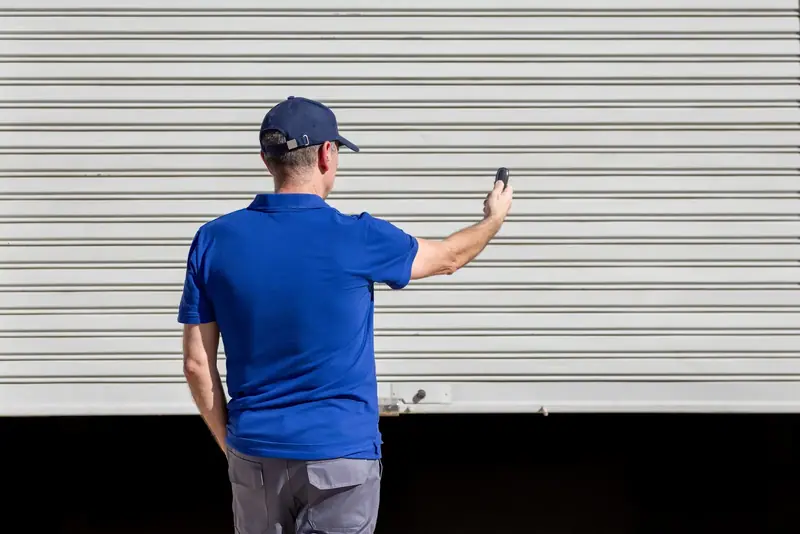
For most households the garage door is the door that actually gets used. It is also the one most often left open by accident. A connected opener does not make the door any stronger, but it does tell you what state it is in and lets you do something about it from wherever you are.
We install smart garage door openers and retrofit controllers for homes in and around Nashotah. The mechanical side is the same as any opener. The difference is in the setup.
What a smart opener actually does
Stripped of the marketing, the useful functions are these.
Status at a glance
The app shows open or closed, and how long it has been that way.
Remote operation
Open or close the door from anywhere your phone has a connection.
Alerts
A notification when the door opens, closes, or has been left open past a set time.
Scheduled closing
Close automatically at a set time each night, or after a set number of minutes.
Shared access
Give family members their own login. Grant a guest temporary or time-limited access.
Activity history
A log of when the door was operated, and by which user.
Voice and automation
Tie the door into a voice assistant or a home automation routine.
In-garage delivery
Some systems allow participating delivery services to place parcels inside.
Vehicle integration
Many newer cars can operate a connected opener from the dashboard.
Not every household needs all of them. The two people use most are the status check and the left-open alert.
Two ways to get there
A new Wi-Fi enabled opener
Most current openers from the major manufacturers have Wi-Fi built in. If your existing opener is old, noisy or lacks safety sensors, replacing it gives you smart control along with everything else a modern unit offers: quiet operation, rolling-code security, better lighting and the option of battery backup. See opener replacement.
An add-on controller for your existing opener
If your opener is in good condition and has working photo-eyes, a retrofit controller can add connectivity for a fraction of the cost. These small devices connect to the opener, usually with a door sensor to report position, and link to your Wi-Fi.
| New smart opener | Add-on controller | |
|---|---|---|
| Best when | The current opener is old, loud or lacks sensors | The current opener is modern and working well |
| Cost | Higher | Lower |
| Integration | Built in and fully supported | Depends on compatibility with your opener |
| Extra benefits | Quiet drive, new safety system, battery backup option | Connectivity only |
| Installation | Full opener replacement | Short visit |
Compatibility is the catch with add-ons. Some openers use encrypted wall-control signals and need a specific adapter. We check the make and model before recommending one.
What a proper smart installation includes
- 01
Check the door and opener
A smart opener still needs a balanced door, a reinforced top section and working safety sensors. We confirm all three.
- 02
Check the Wi-Fi in the garage
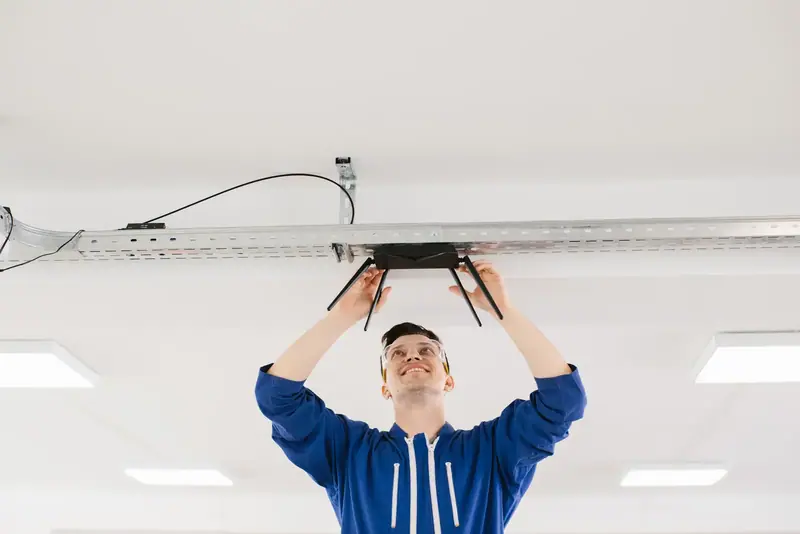
We test signal strength at the opener's location. Garages are often at the edge of a home network's range.
- 03
Install the hardware
Either the new opener, mounted and wired as in any installation, or the add-on controller and its door sensor.
- 04
Connect to the network
The device is joined to your Wi-Fi on the correct band and its firmware is updated.
- 05
Set up the app and accounts
The primary account is created in your name, with your email, so you own and control it.
- 06
Add users
Family members are invited with their own logins. Guest access rules are explained.
- 07
Configure alerts and schedules
Left-open reminders, nightly auto-close and notifications are set to your preferences.
- 08
Test from outside the network
We confirm the door responds over cellular data, not just on the home Wi-Fi.
- 09
Verify the safety warning
When a door is closed remotely, the opener must flash its light and sound a warning beep before it moves. We check this works.
- 10
Walk you through it
You operate everything yourself before we leave.
Before & after
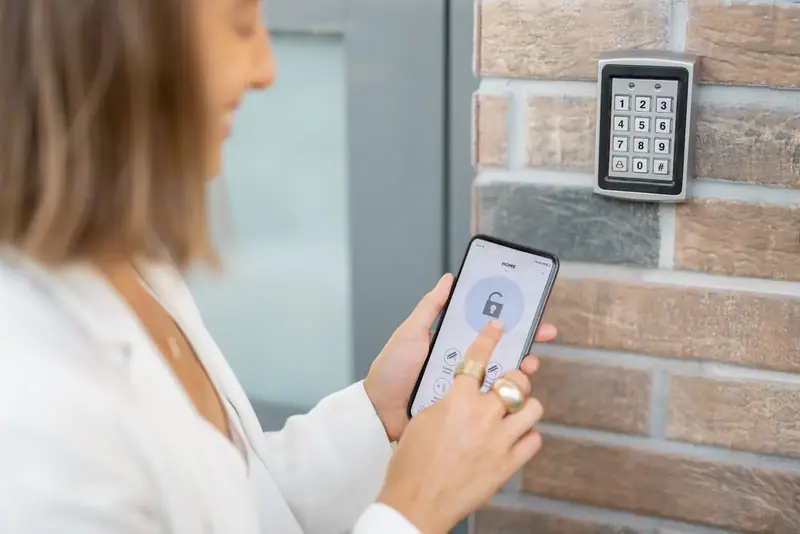
A dated wired keypad compared with app-based control
Project notes
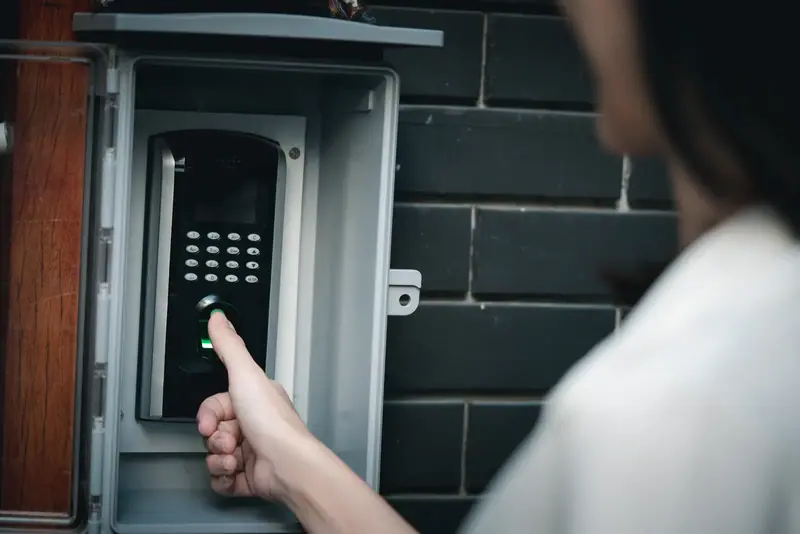
The first image shows the older way of managing access: a hard-wired keypad with a single shared code, worn keys that give away which digits are used, and no record of who came and went. If the code gets out, the only remedy is to change it and tell everyone again.
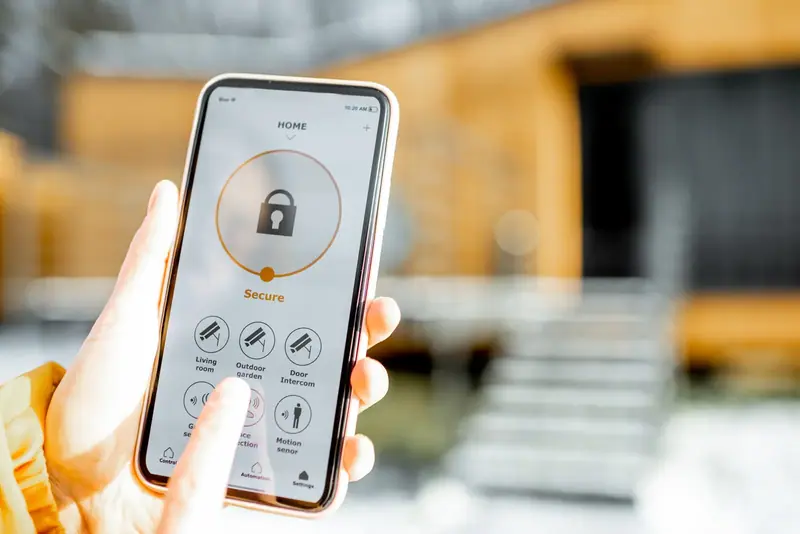
The comparison illustrates app-based control. The phone shows whether the door is open or closed in real time and lets you operate it from anywhere with a connection. Installing it means either fitting a Wi-Fi enabled opener or adding a compatible controller to an existing unit, connecting it to the home network and setting up users.
The practical differences are large. You get an alert if the door is left open, each family member has their own access, a delivery or a contractor can be let in remotely, and you can confirm from the lake or the airport that the house is secure.
Illustrative example. These are licensed reference photographs chosen to show the kind of change this service makes. They are not photos of a specific Nashotah Garage Door customer's property.
The Wi-Fi question
The single most common problem with smart openers is not the opener. It is a weak signal in the garage.
Garages are frequently the furthest room from the router, sometimes separated by a fire-rated wall or an insulated door. The opener hangs near the ceiling, often surrounded by metal track and a steel door. A phone may show two bars standing in the garage and the opener may still drop off the network.
Things to know:
- Most opener radios use the 2.4 GHz band only. It reaches further than 5 GHz, but the network must have that band available.
- If the signal is marginal, a mesh node or access point placed in or near the garage solves it.
- Detached garages are a special case. They may need a wired or wireless link from the house.
We test before we install and tell you if the network needs help.
Security and privacy, sensibly
A connected door raises fair questions.
Is it safe to have my garage door on the internet? The connection between the opener, the manufacturer's service and your phone is encrypted. The practical risks are the same as for any online account: a weak or reused password. Use a strong, unique password and turn on two-factor authentication where the app offers it.
Who can open it? Only accounts you have invited. You can remove a user at any time, which is far easier than recovering a lost remote.
What if my phone is lost? Change the account password from another device. The lost phone loses access.
What does it record? Typically the times the door was operated and by which account. Camera-equipped openers record video if you enable it.
What if the internet goes down? The wall button, remotes and keypad carry on working exactly as before. Smart features return when the connection does.
We set the system up in your name from the start. We do not keep access to your account.
Smart openers and life around Nashotah
Some of the uses are particular to how people live here.
Lake and seasonal homes. If you divide your time between two places, being able to confirm the garage is shut, or to let in a plumber or a snow-removal crew without hiding a key, is valuable.
Winter mornings. Open the door from the kitchen to let the car warm in fresh air, without stepping outside. Close it from the car if you forgot.
Teenagers and visitors. A log and a left-open alert put an end to the garage standing open all night with the bikes inside.
Power outages. A smart opener is still an electric opener. Pair it with battery backup so it operates when the lines are down, and bear in mind the app needs your router to have power too. See battery backup installation.
Cold and electronics. Opener electronics are built for unheated garages. Wireless door sensors on some add-on kits use small batteries that drain faster in deep cold and may need replacing each fall.
Limits worth knowing
A balanced view includes the drawbacks.
- It depends on your network. No Wi-Fi, no remote features.
- It depends on the manufacturer's service. The app works through their servers. Features and integrations can change over time.
- Some integrations carry a fee. Certain third-party platforms or advanced features may require a subscription. We will tell you what applies to the system you choose.
- Auto-close needs working sensors. We will not enable unattended closing on a door whose photo-eyes are not functioning properly.
- It is not a camera. Unless you choose a model with one, you see status, not what is in the doorway.
Why have it professionally installed
The app setup is something many people can do. The reasons to have us handle the whole thing are mostly mechanical and practical.
The door must be balanced and the opener's safety systems must work, because the door will now move when nobody is standing there. Unattended operation raises the stakes on proper force settings and sensor alignment. We also solve the signal problem before it becomes a daily annoyance, and we leave you with accounts, users and alerts configured the way you want them.
Frequently asked questions
Often, yes. If it has working photo-eyes and is a compatible model, an add-on controller will connect it. We check before recommending one.
Yes. The remotes, keypad and wall button work as normal. Only the app features pause until the connection returns.
Basic phone control is generally included with the opener. Some third-party integrations or extra services may carry a charge, depending on the brand.
The connection is encrypted and access is limited to accounts you approve. A strong password and two-factor authentication are the most important protections.
Many systems do, sometimes through an additional link or subscription. Tell us what you use and we will advise.
A mesh node or access point near the garage normally fixes it. We test the signal as part of the visit.